"Boxpusher" - October-December 2025
Unity Engine, sprites drawn digitally
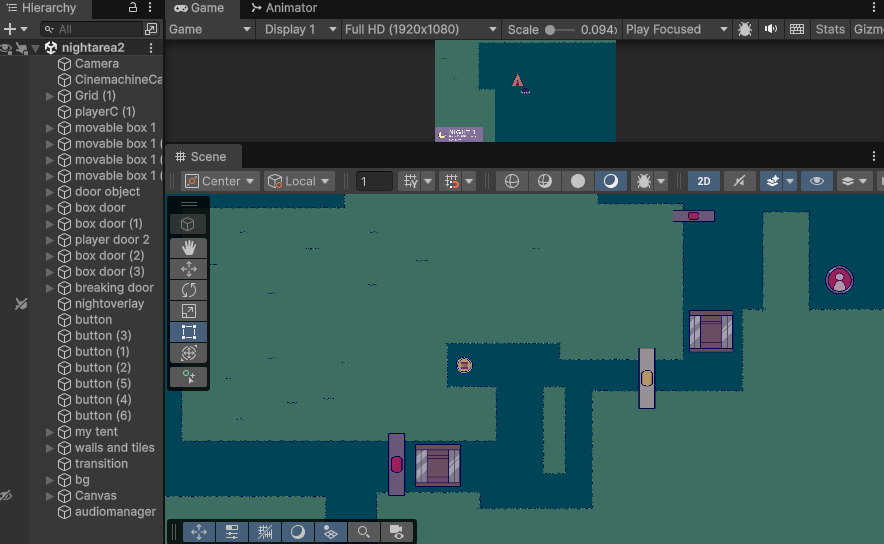
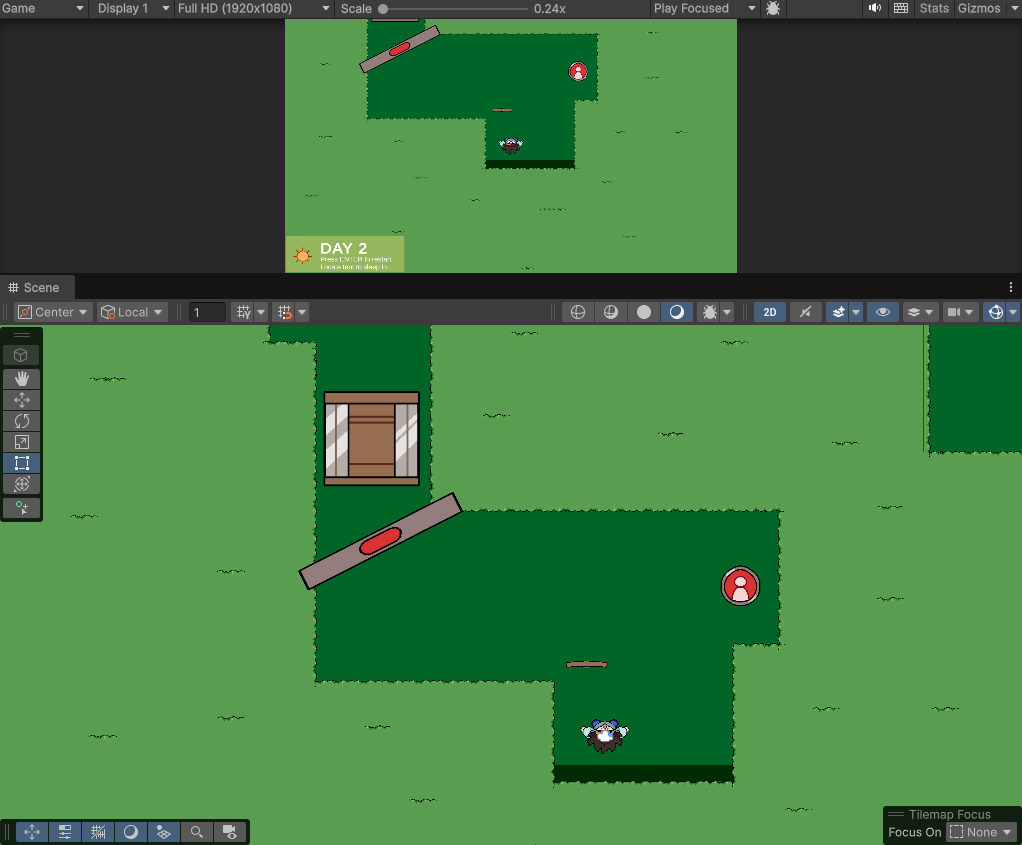
2D top-down game in Unity Engine about bunnies and pushing boxes around to solve puzzles. Boxes can be used to break certain barriers and both the player and the box can be made to push their own respective buttons that clear barriers as well. Not the cleanest final project overall, but it took so much time either way that I wanted to include it here. Game controls using WASD for movement, ENTER for restarting puzzles, and E for forwarding dialogue boxes.
Due to issues revolving around the specific Unity version I was using (and it not working well on my current computer - it starts lagging and freezing upon project opening and project exports) I do not currently have a playable copy of Boxpusher to provide, though I have extensive documentation of the project (including many views of the Unity Editor and portions of the C# code)
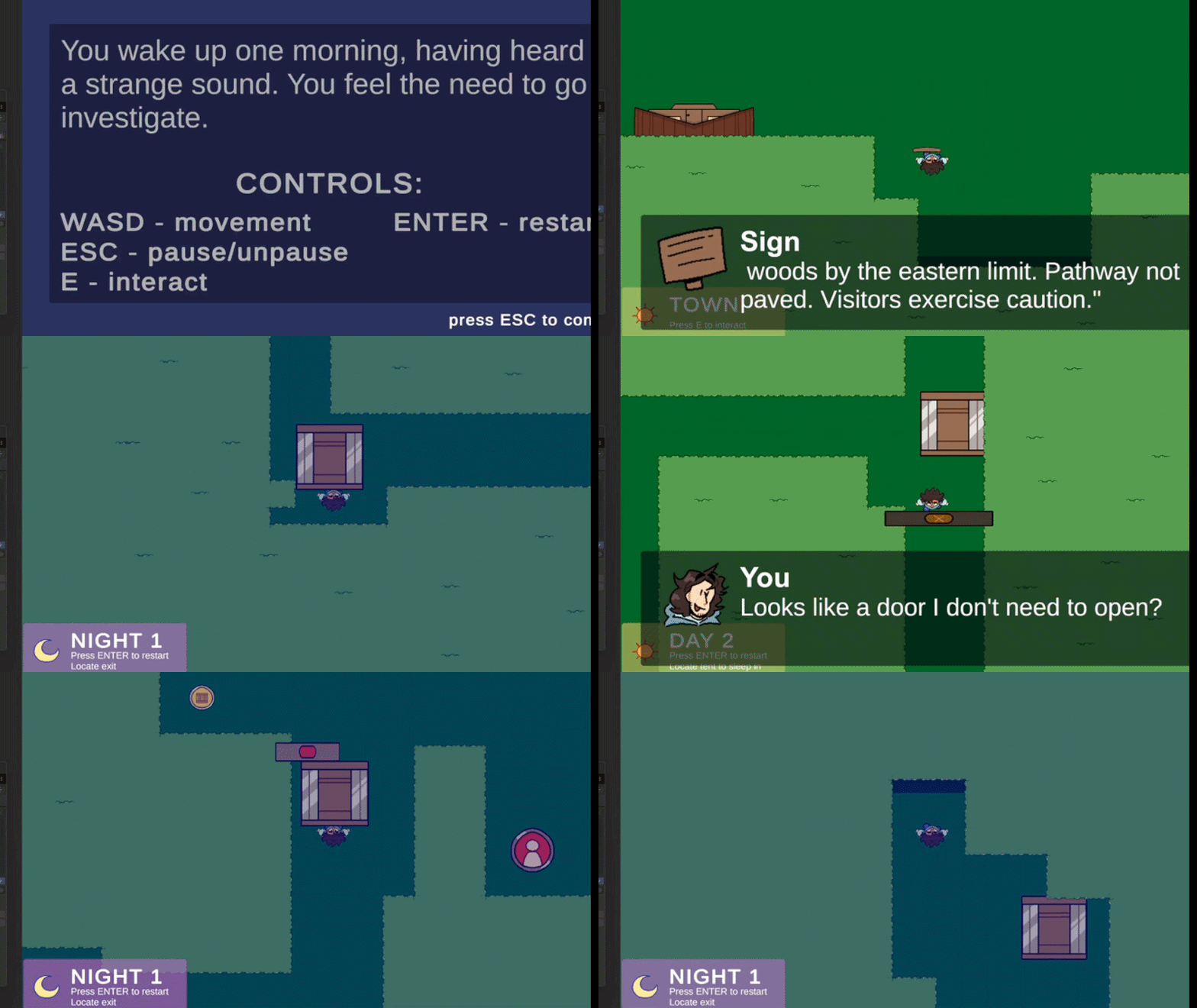
This project was the first time I ever used Unity Engine for a proper playable game. It was also the first time I ever used C# to code. Overall, I found C# a lot harder to use than Javascript, mostly because of the way variables are defined in C#; I got used to Javascript's variables being defined either at setup (global/public) or in a function (local/private). C# has it so that you have to declare whether or not a variable is public/private all the time, I believe because of how multiple C# files can be made to "crossreference" each other (ie. keeping variable tallies or scores), but I found it more confusing. I maybe about 50% understand what the 'serializeField' tag does (adds a kind of sub-container to a GameObject's Inspector tab allowing for values to be put in?). I do acknowledge that JS and C# are both related to C as languages, but even in spite of their similarities, I find myself preferring JS a lot more.
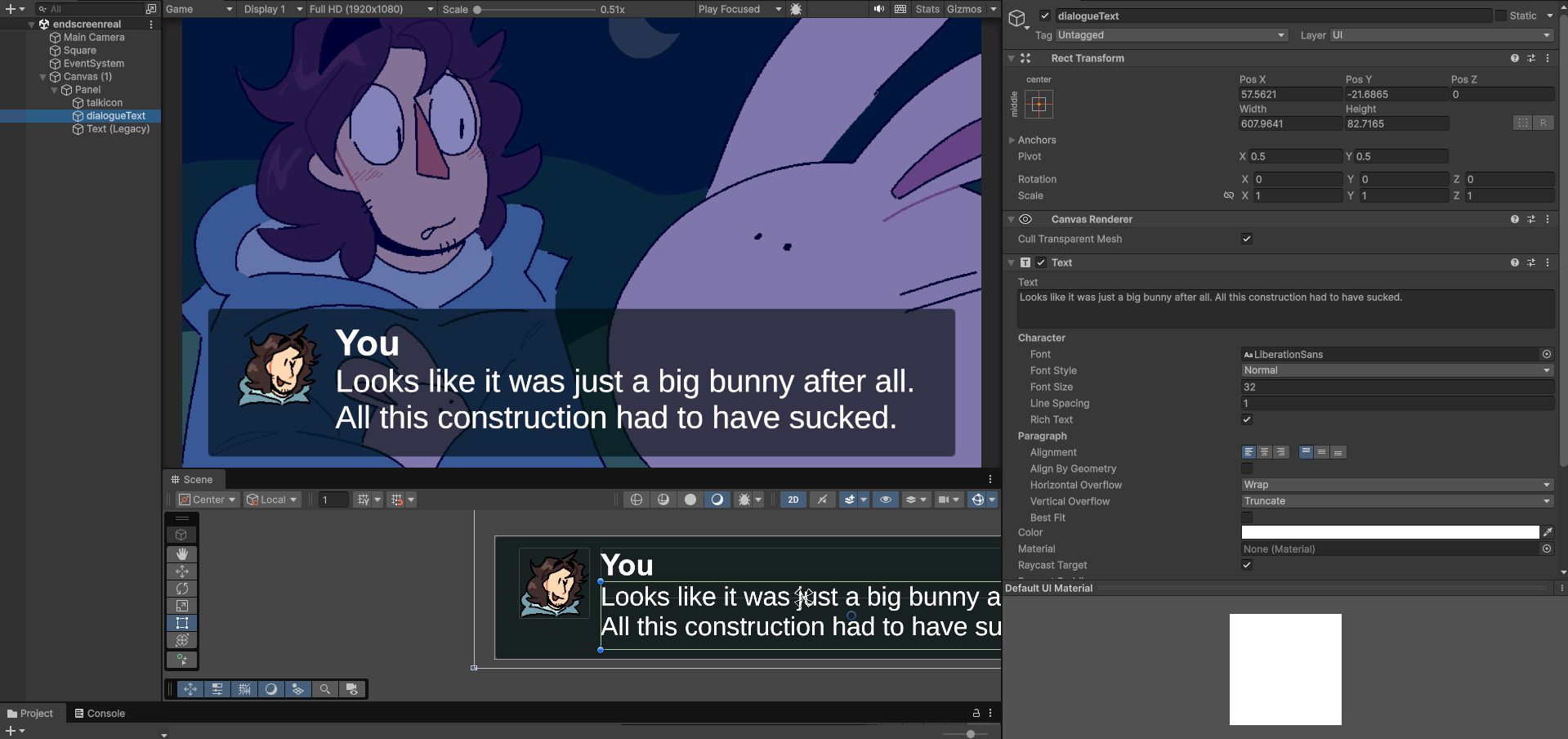
I think one of the weaker parts of the game style-wise would be the UI elements (text boxes and day/night indicators). I had a lot of trouble getting them to work and display properly, so by the time they were able to function as intended I didn't really have the leeway to specially customize them with their own stylistic theming. If I could go back and change this, I absolutely would. I also wish I figured out how to properly make the haptics work for the game (player and box buttons changing sprites when pushed to confirm that they've been activated), but similarly to the UI canvas, I didn't really have enough time to finalize this (or any kind of haptic feedback at all).
However, I am actually proud of myself for a lot of what I accomplished, too. I really like the tilemap I made, even if I accidentally made it the wrong size (most elements are 2x1 tiles). The fact that the game is actually playable and my box-pushing and barrier-toggling mechanics work is more than enough for me, as a beginner to the program. Also, I think after taking on this project, I now have a lot more knowledge on Unity and C# both (even if it's somewhat patchy), and I am entirely willing to keep re-applying these skills elsewhere to keep making games in both 2D and 3D.
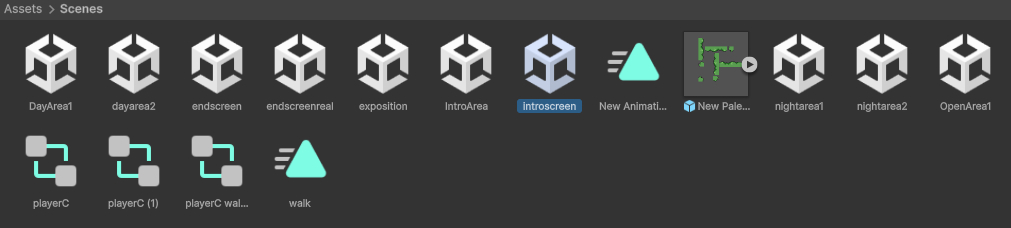
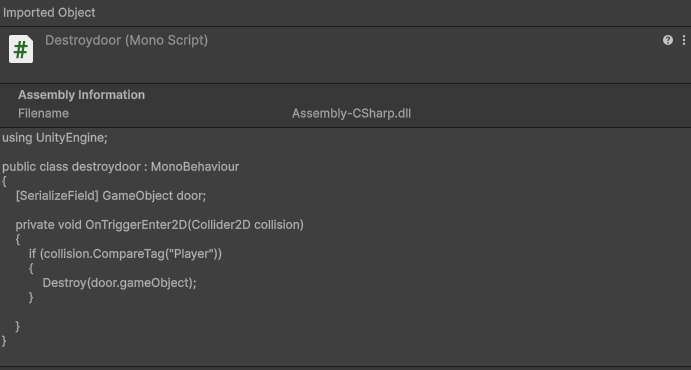
The moving boxes each have a mass of 0, so when they get poked by the player they will keep sliding in that direction until they hit a wall or an obstacle. This is the puzzle element - you have to move your boxes strategically, or they'll get stuck somewhere, making the player have to restart. Most of the game is maze-like and sometimes you have to push boxes onto buttons in order to access more boxes. The game has a total of four "levels," two normal "daytime" levels and two altered "nighttime" levels (based on the daytime ones). Altered levels and progress can be obtained by walking into tents at the end of daytime levels (the game checks this using an invisible collider field that checks for the player's collision tag as a boolean)