3D MODELS AND RIGS

Note: This page has containers with projects inside of them. These containers can be scrolled using the scroll wheel, or the sidebar.

Return to homepage

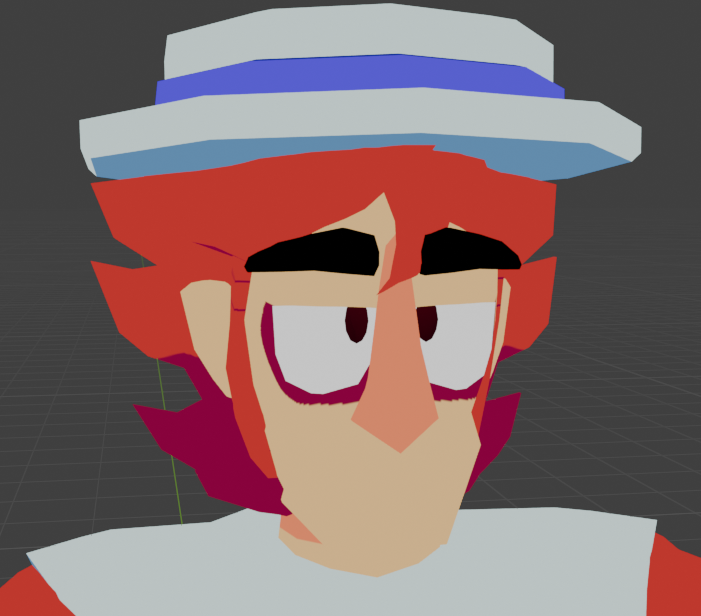
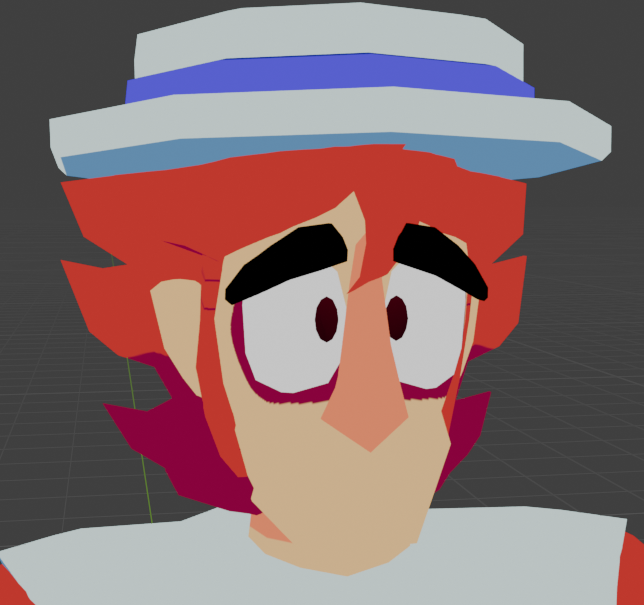
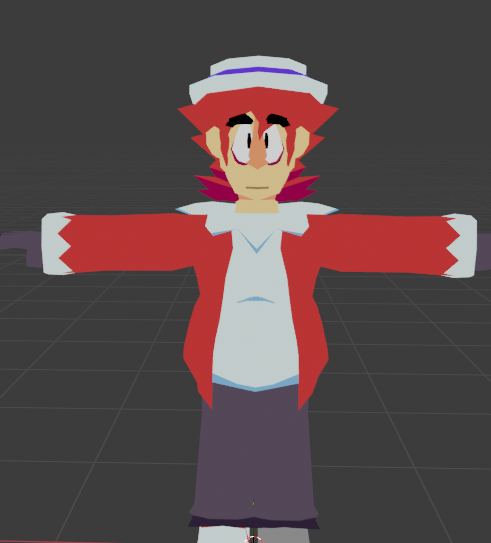
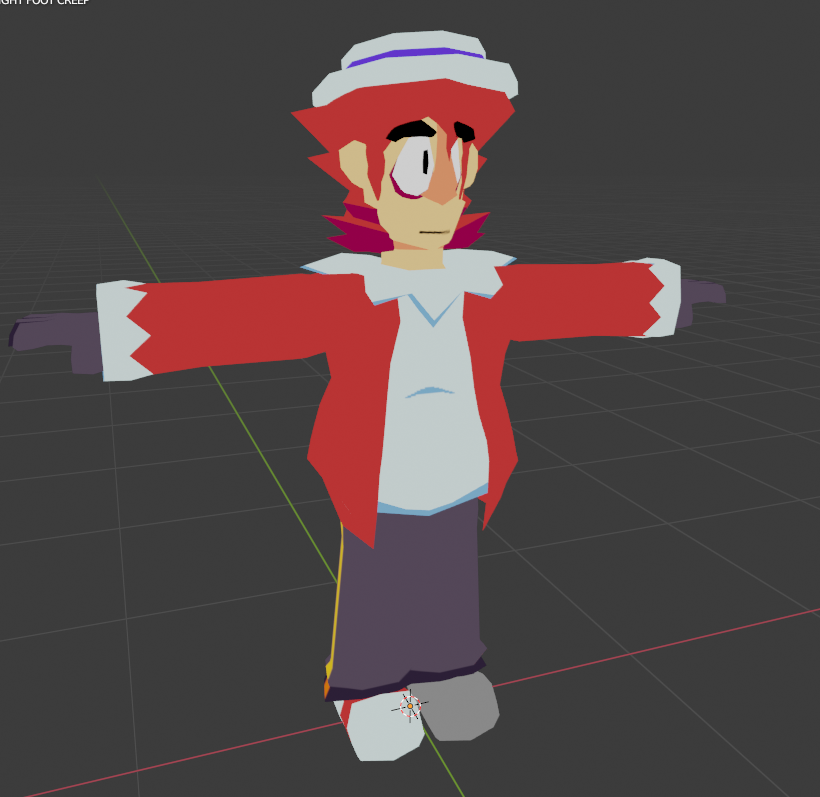
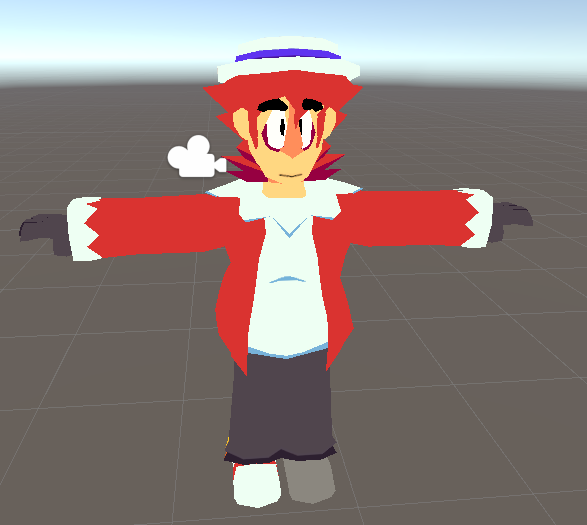
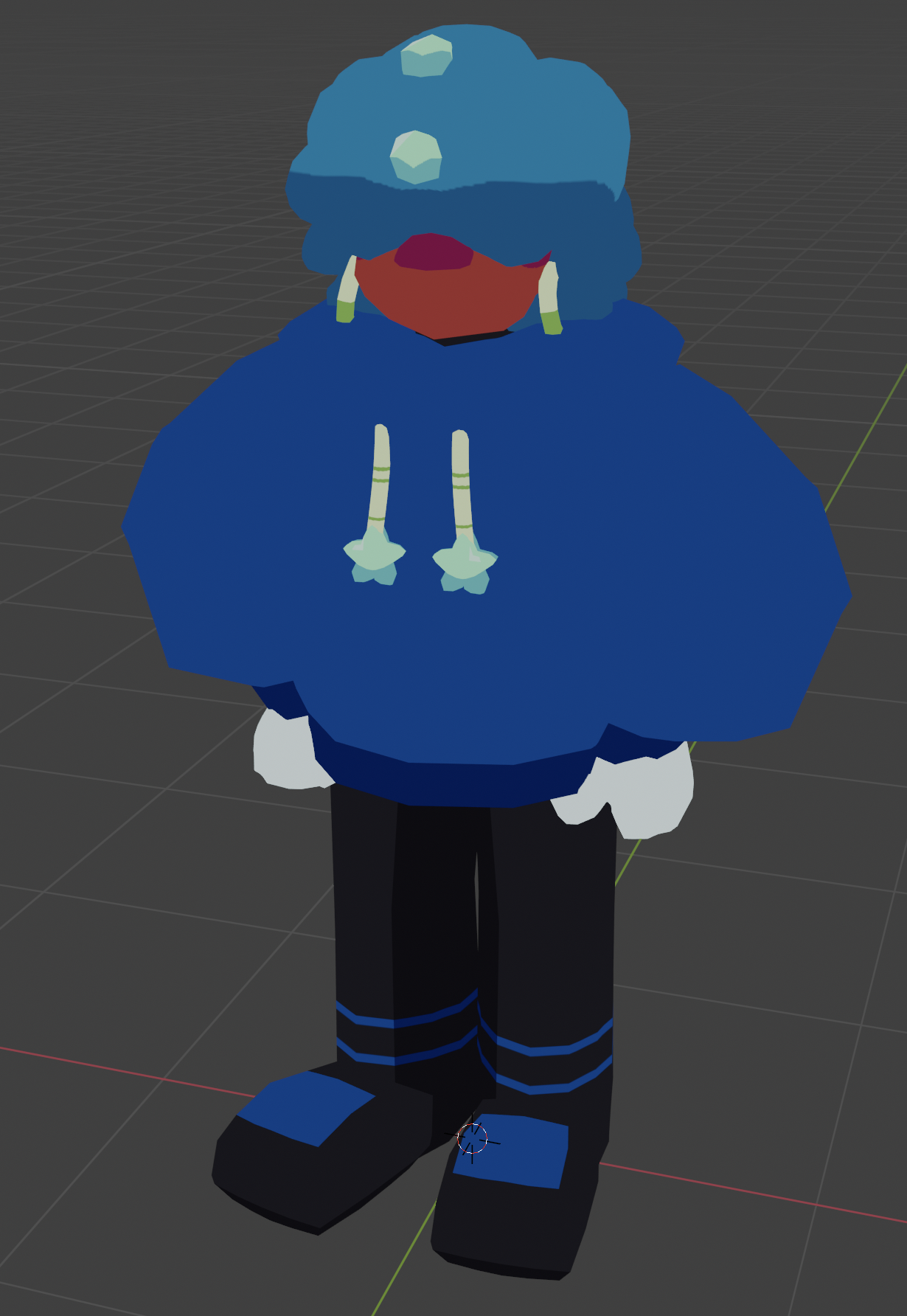
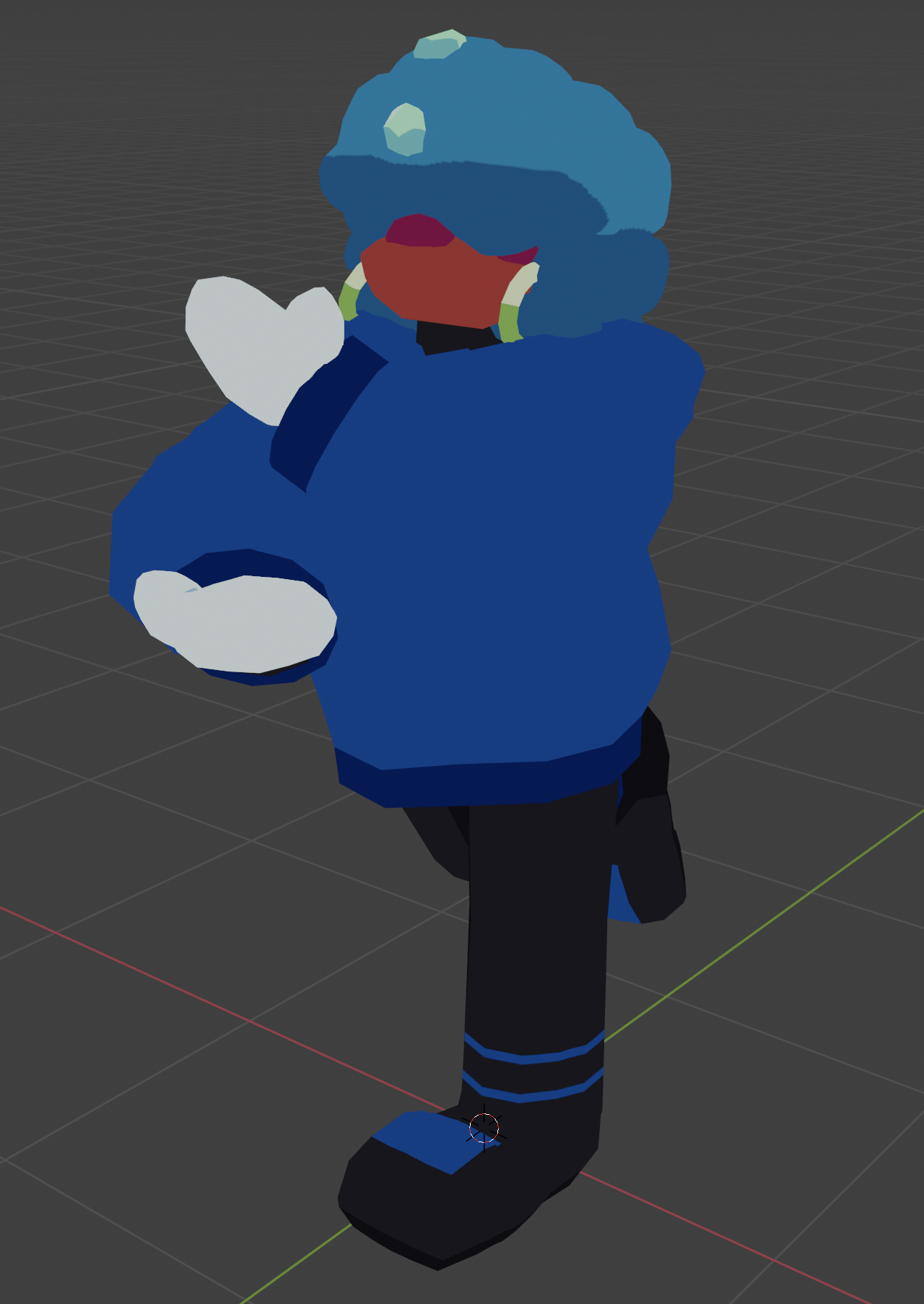
"Pent (Avatar Rig)" - January 2026

Blender, Unity, custom textures made digitally
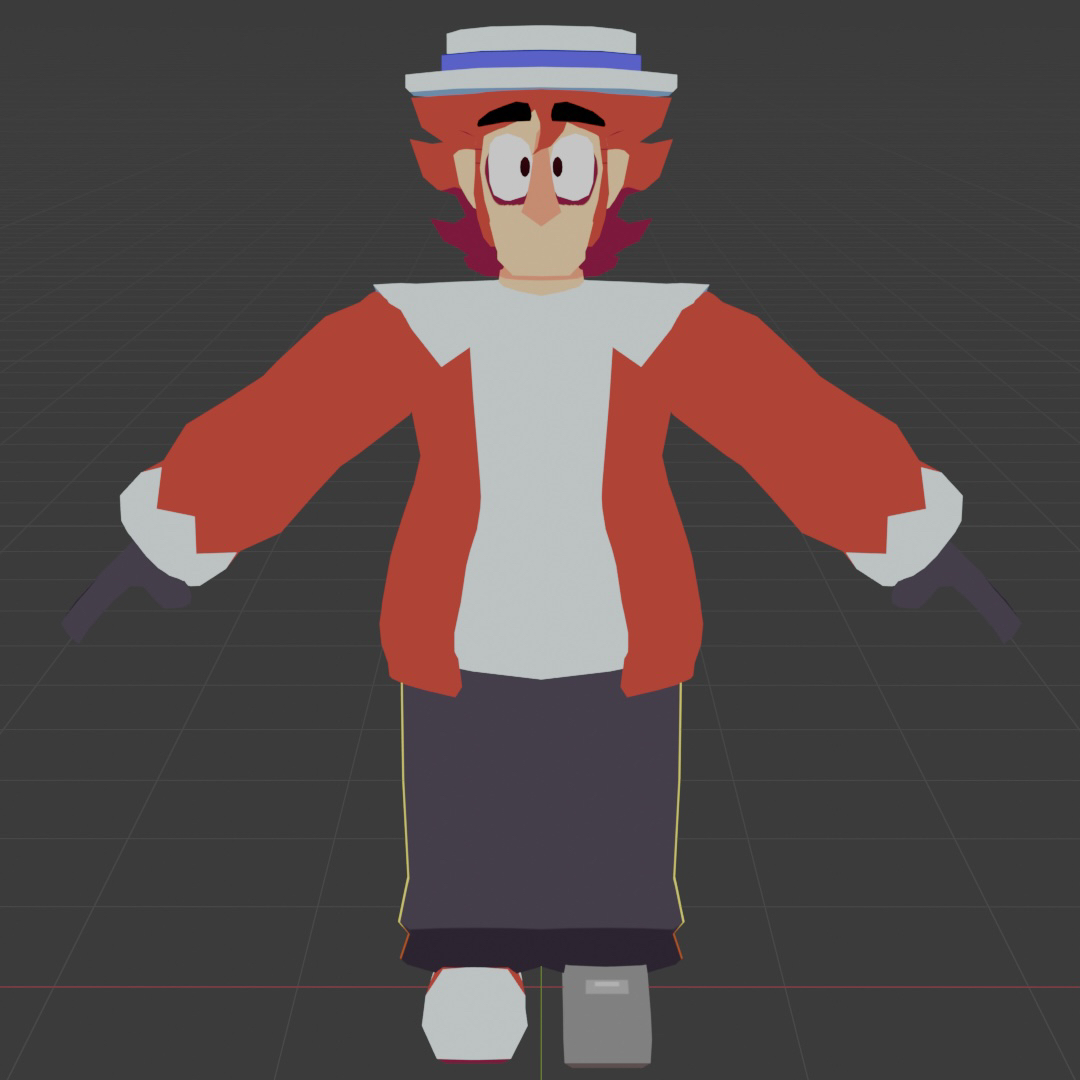
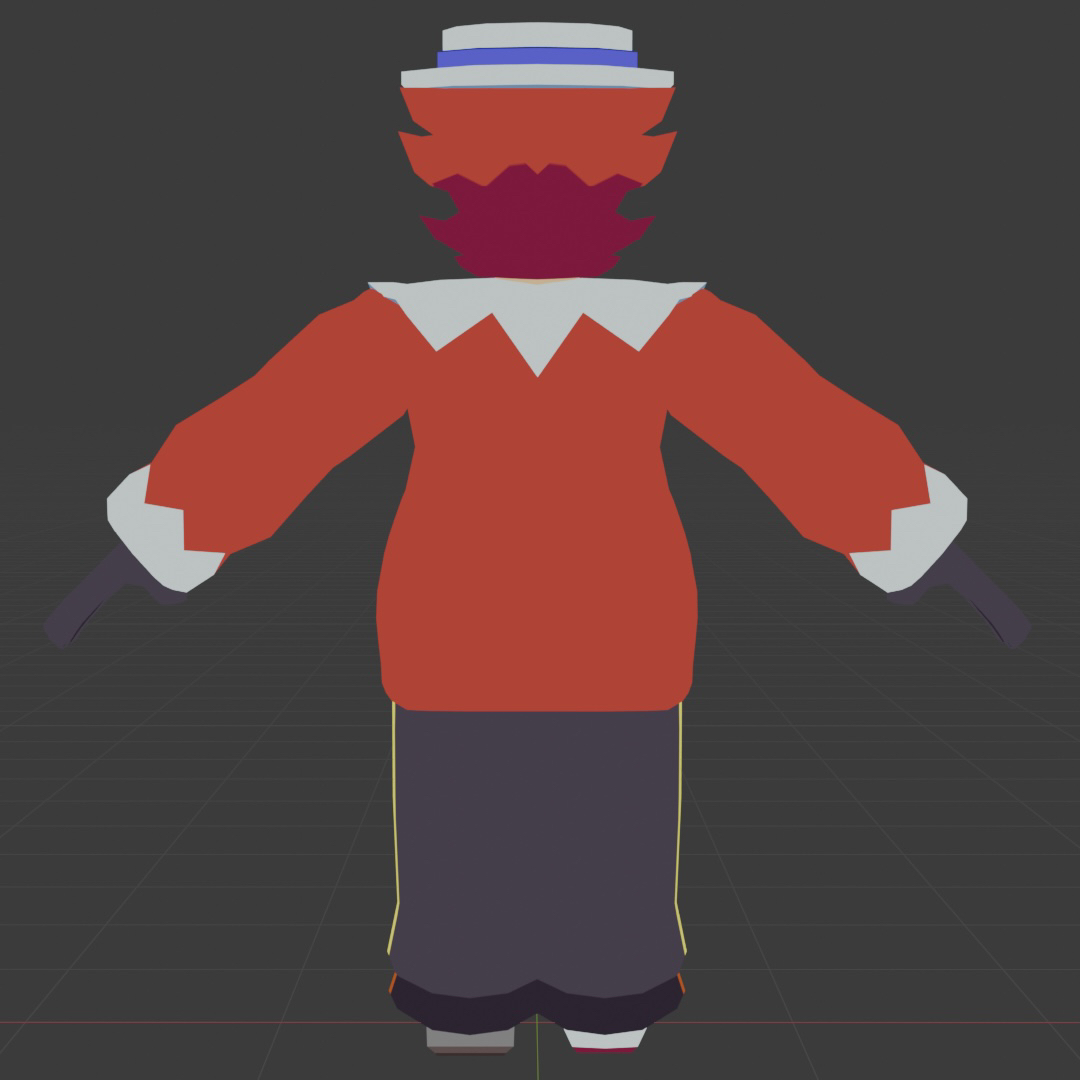
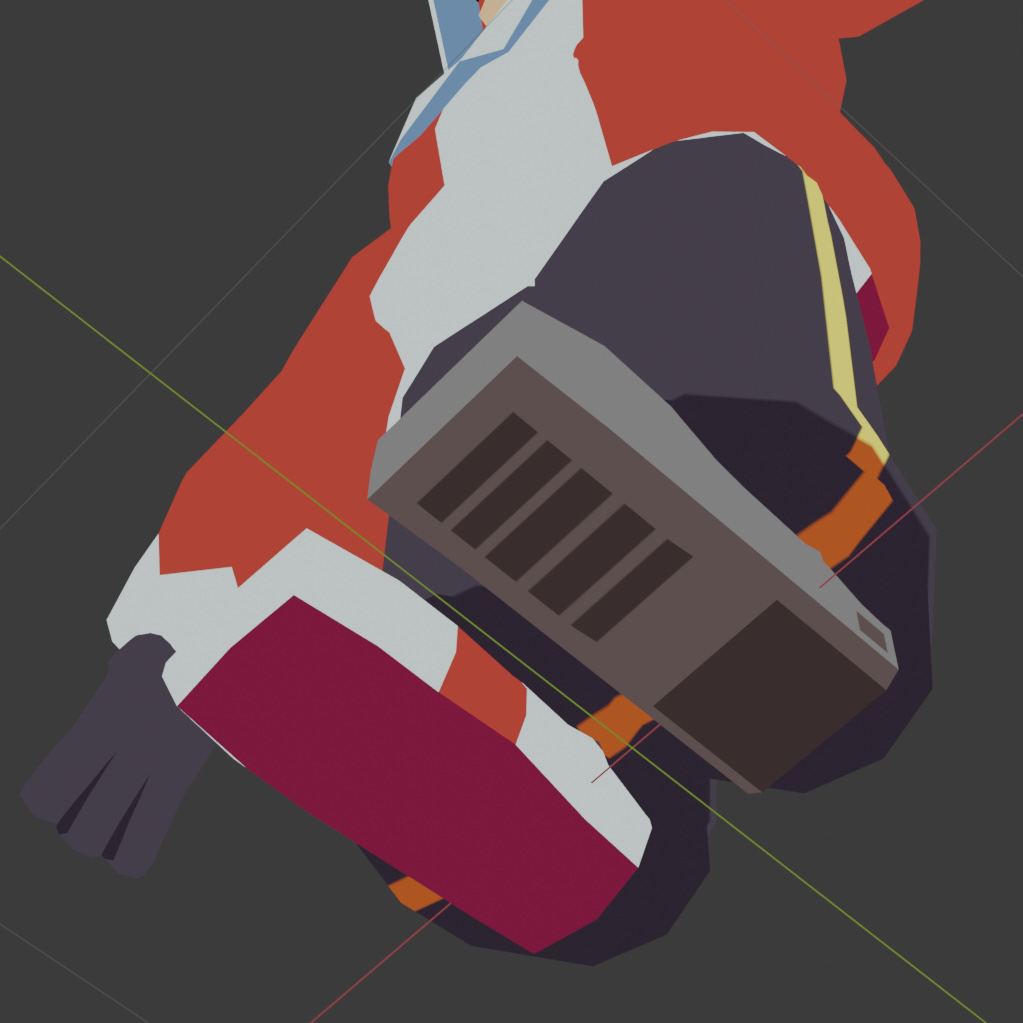
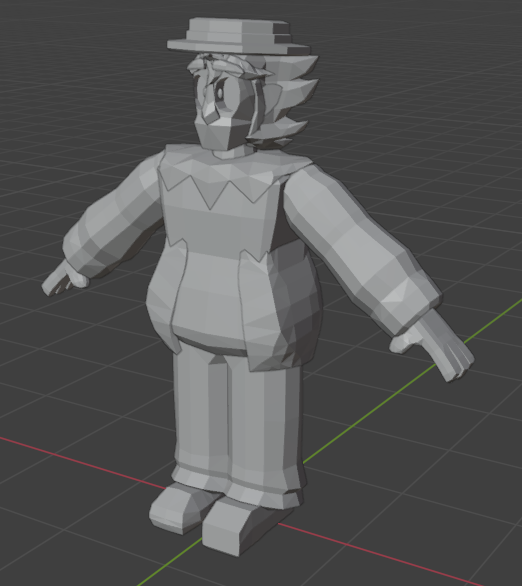
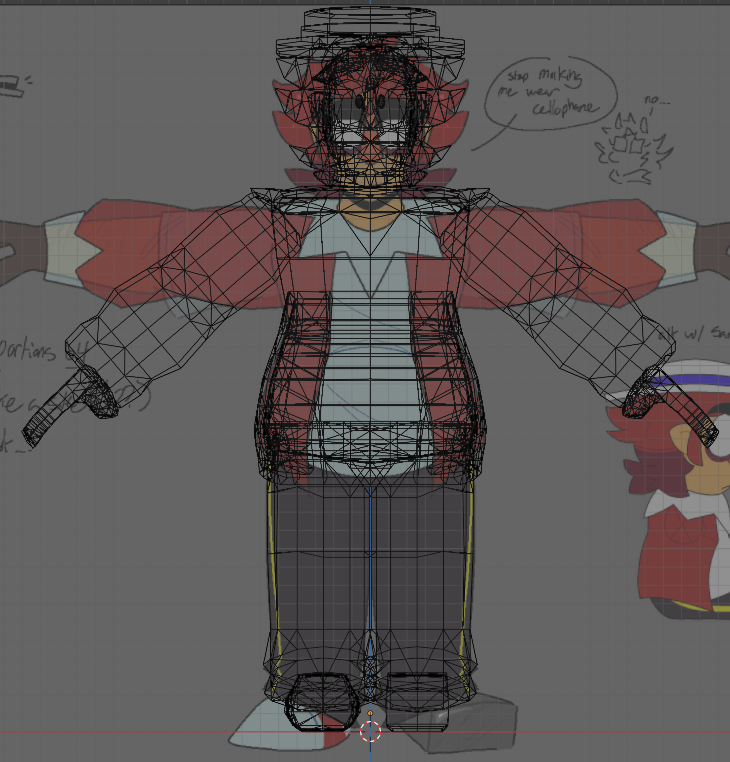
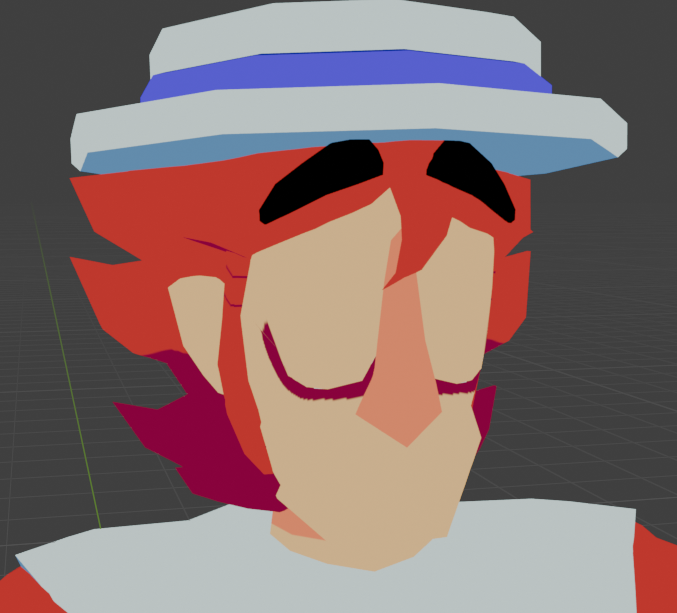
Based on Pent from Supermental. Currently unfinished (ie. missing mouth plane textures), but made with the intention of rigging for Unity engine (for use in VR!)

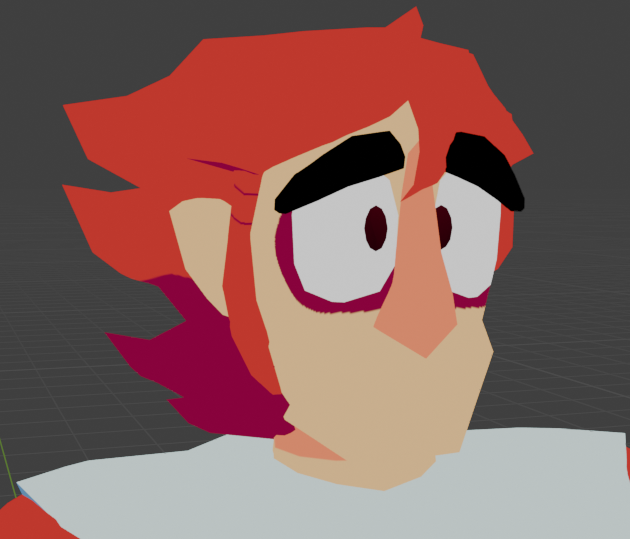
Model also currently has a few shape keys (deformation toggles) that allow for eyelid, eyebrow, and hat positioning (so thus the hat is removeable). I am unsure if I want to keep the hat toggle, though I do enjoy the idea for now and personally find it funny that the hat clips inside of the head for this to work.

Pretty much almost my first rodeo with Blender character modeling, using what I learned from an older attempt around August 2025. There is a gallery of the older model below. Essentially, I had a hard time getting the topology correct the first time around, and the model was also improperly scaled (Blender uses a figure in meters). Though, the older model still had shape keys, and I wanted to preserve those. Fun fact, the newer model actually reuses the hat mesh from the old model, just scaled to fit!

This model (or rather, the older one) was what got me into Blender, actually. I'd been wanting to learn Blender for a while since it's more practical (and sometimes considered industry-standard) than what I was using to make models before, but like many other people, I found that Blender has a bit of an intense skill curve when used for the first time. After working on the newer version of the Pent model, I do strongly believe that the better way to internalize Blender is to use and reinforce the basic hotkeys (G for grab, XYZ for the axes, S for scale, ctrl+R for loop cuts, etc.) since otherwise the program can feel hard to navigate. I absolutely don't understand the program fully, but I do feel like I learn something new every time I open it, and I think that's good enough for my own merits!

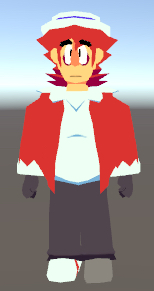
I also feel an interest in using Blender to make responsive models to be used in Unity as playerobjects; my knowledge of Unity is a bit more limited (see: coding tab) though, using the first model, I was able to confirm that I could move and position rigs in Unity to some degree. The results of this can be seen below.

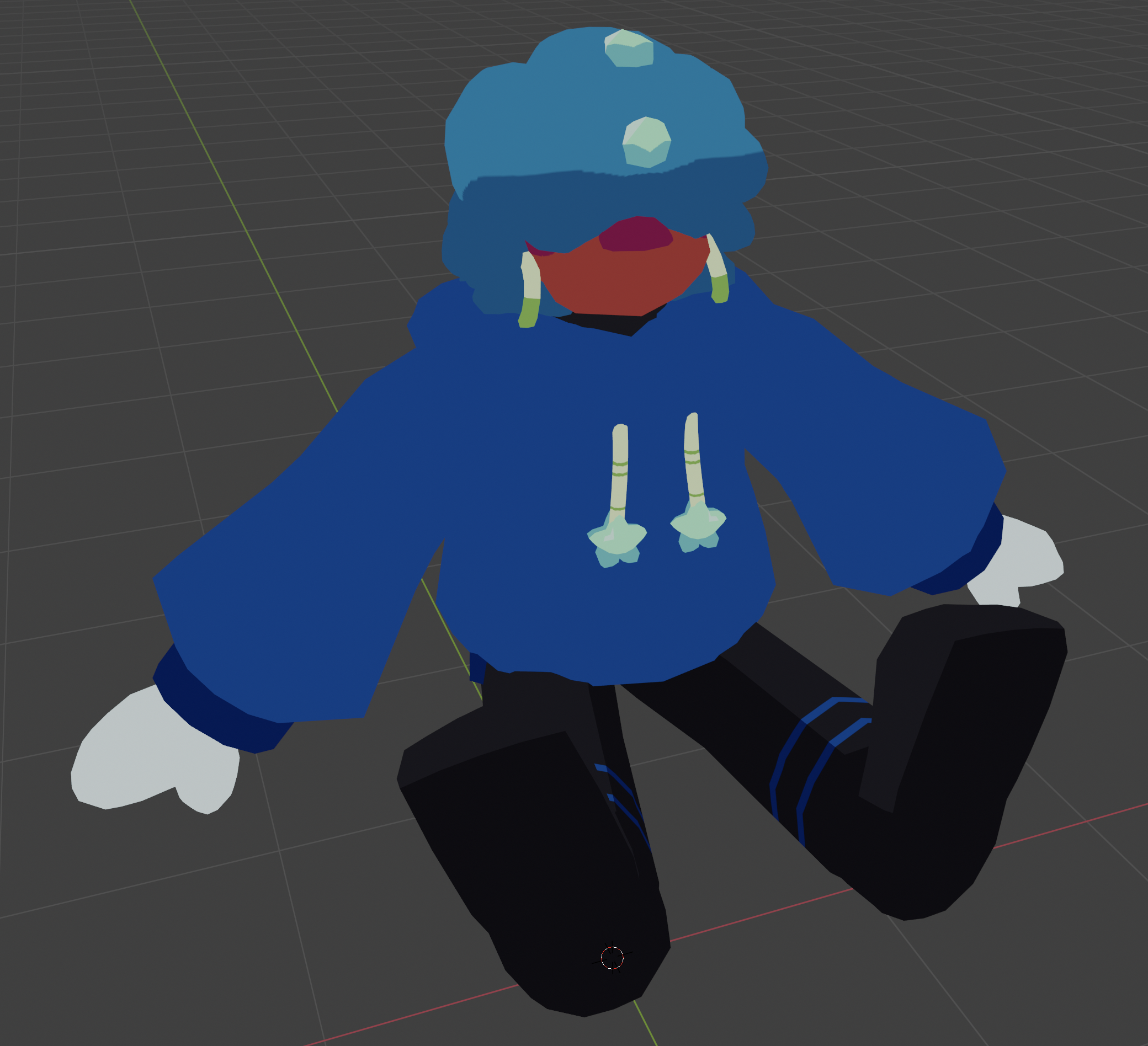
"Smack (Avatar Rig)" - February 2026

Blender, Unity, custom textures made digitally
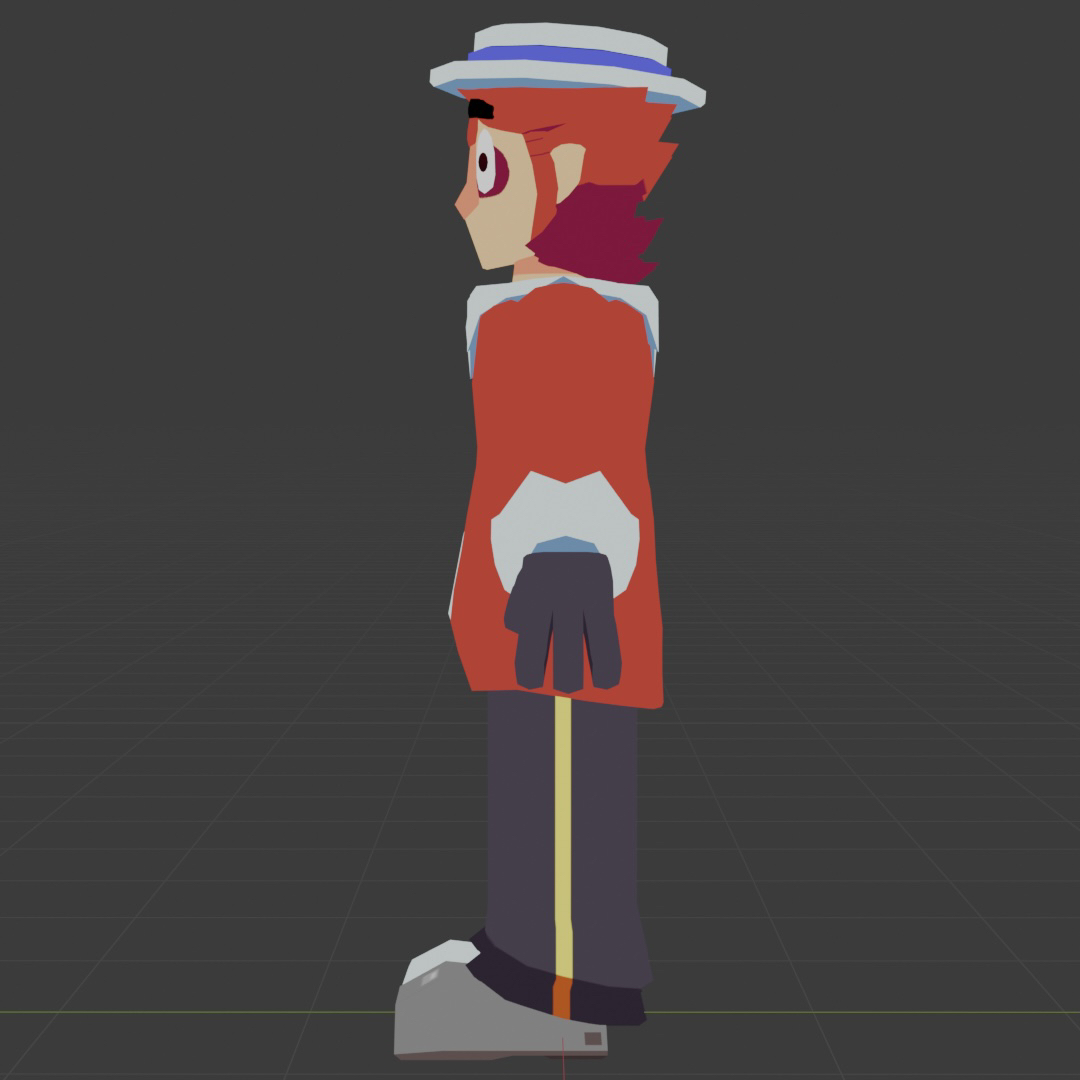
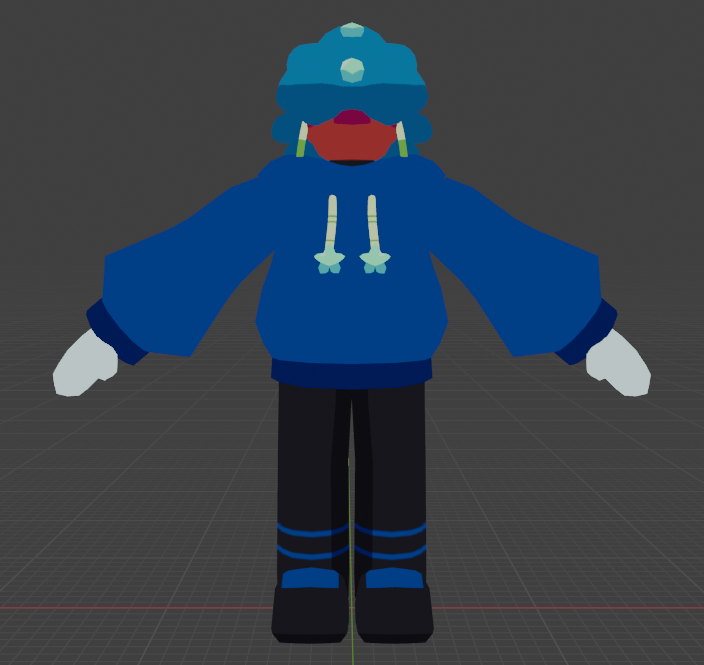
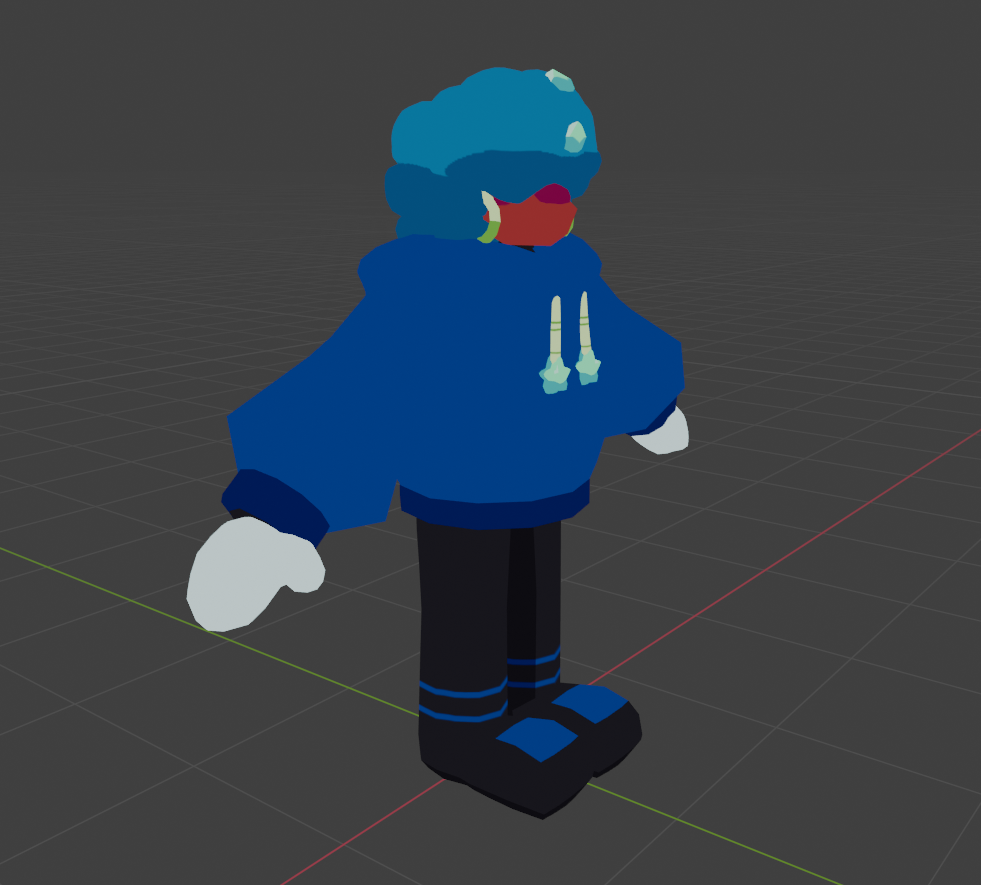
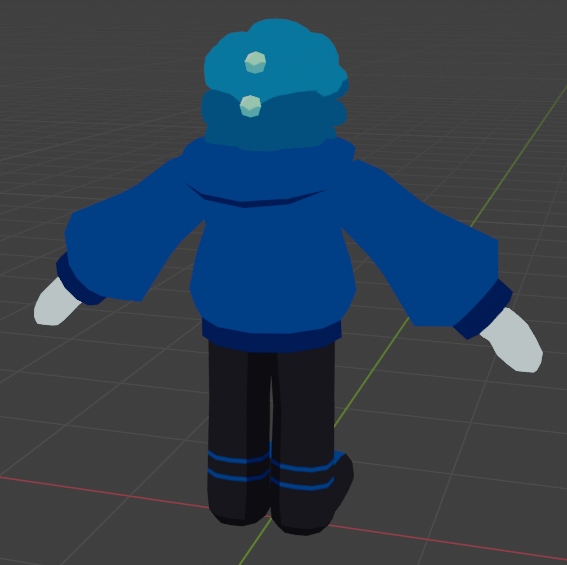
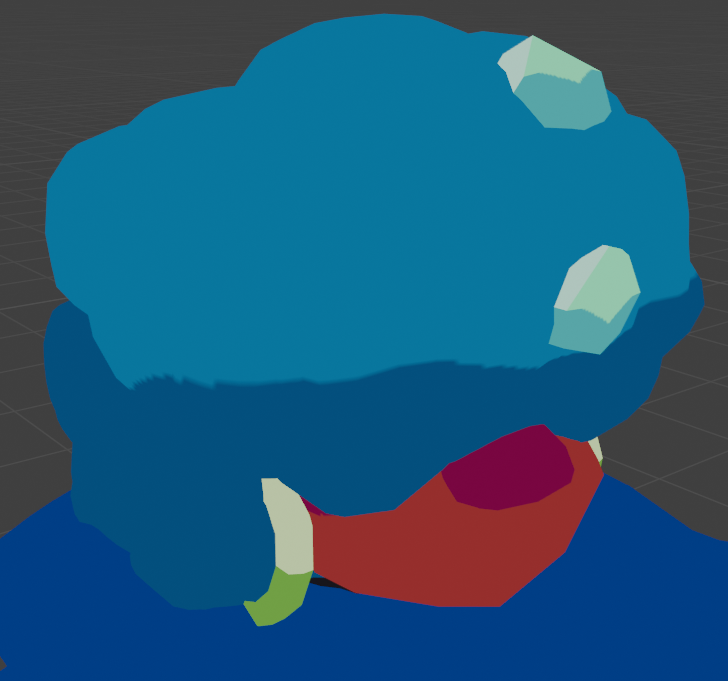
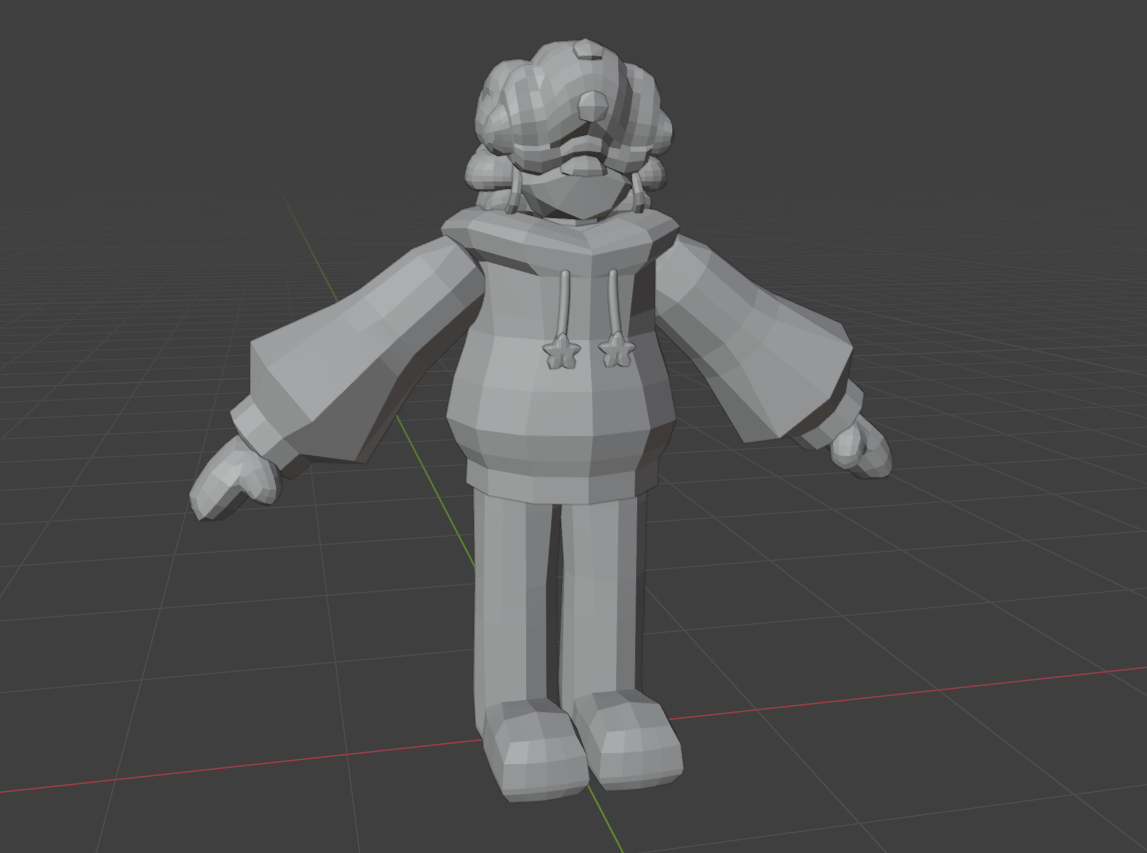
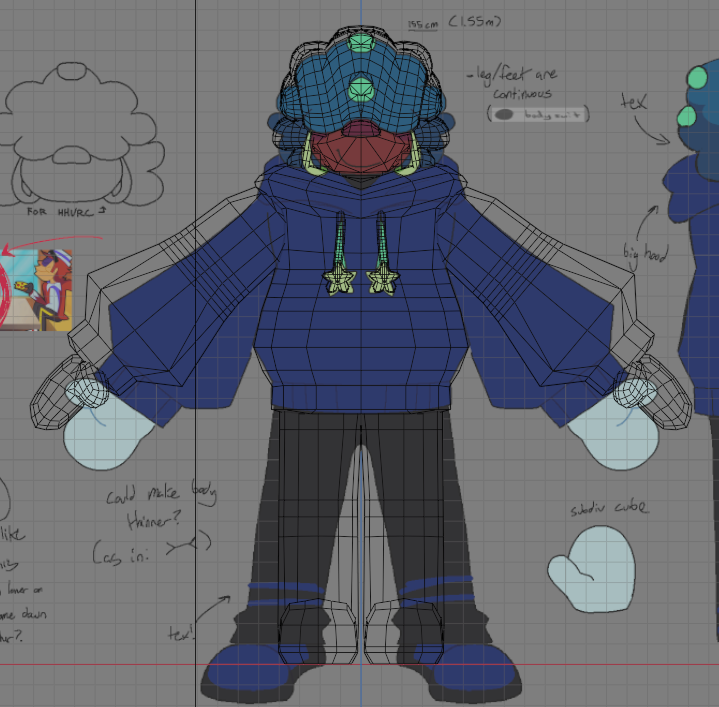
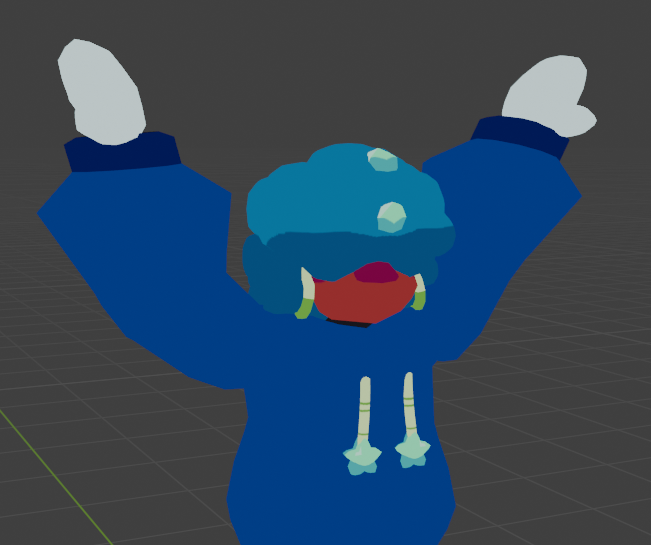
Based on Smack from Supermental. Also missing the mouth plane, but is partially rigged and can be posed.

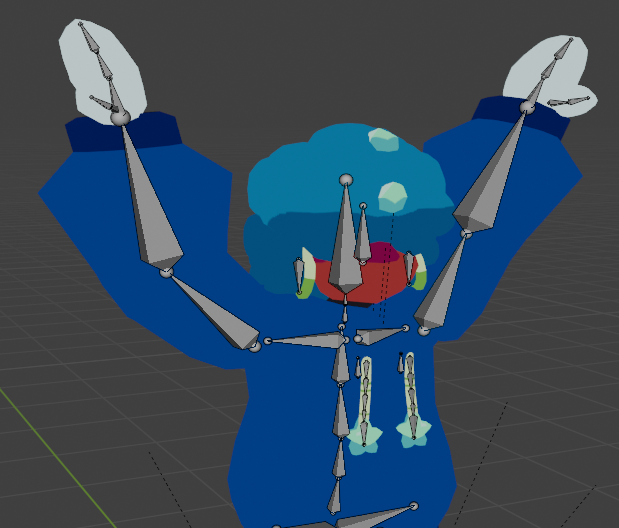
I had to move to start working on this model not long after Pent because I wanted to try something new with the bone rig. Essentially, I gave Smack's hoodie some drawstrings, and I want these drawstrings to have movement physics when the model is moved around (these are called Physbones in Unity). I've never used physbones before, so I made a deviation in the human armature rig: I added a bone chain inside of the drawstrings, and made them parented to a "root" bone which is in turn parented somewhere to one of the torso/spine bones. For the weighting/influence, I started using the gradient tool in Blender so that the bones could transition smoothly and get some better movement.

The goal of being able to achieve the rigging effect I want will allow me to apply these principles to Pent's jacket, which is also intended to have Physbone rigging. Smack is like a test dummy for the rigging portion, given that I find him slightly simpler to work with (he also has no visible eyes so I don't have to worry about rigging pupils) Fun fact, Smack is also the first instance in which I have ever used the Bezier Curve tool, specifically for the drawstrings. I had it converted to a mesh to be able to modify it later. The bottom ribbing of his hoodie is also very partially rigged to the top part of the legs so it moves a little when he walks. I'm worried about clipping issues but I'm happy about the smaller mechanics I've added thus far.

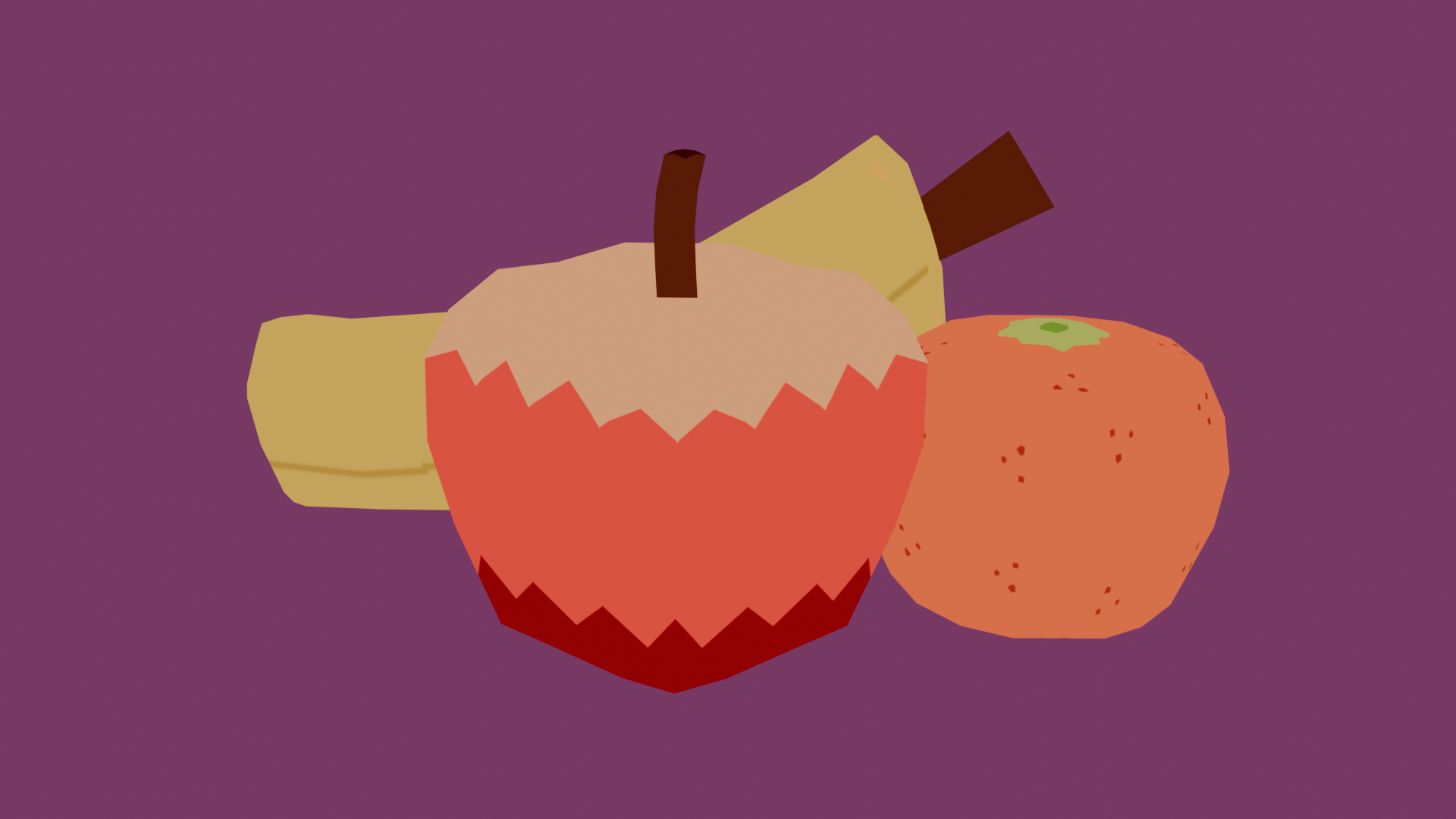
"Fruits (Simple)" - February 2026

Blender, custom textures made digitally

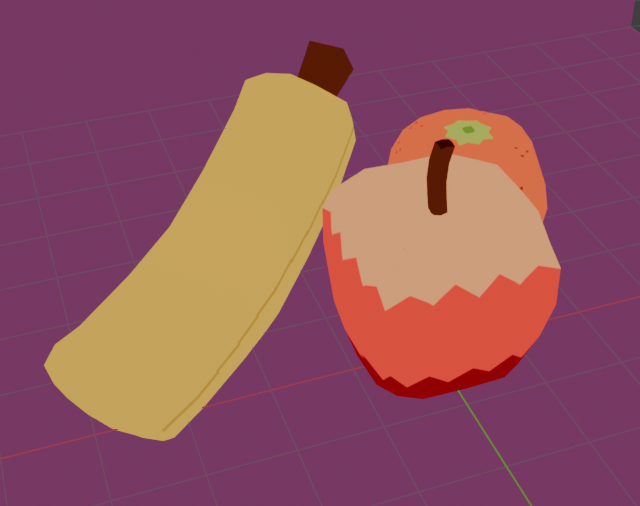
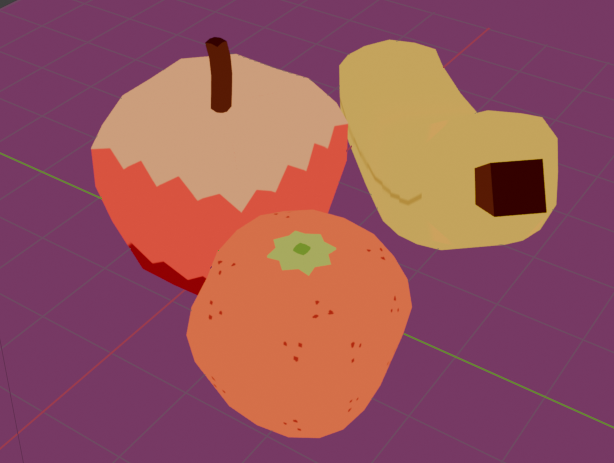
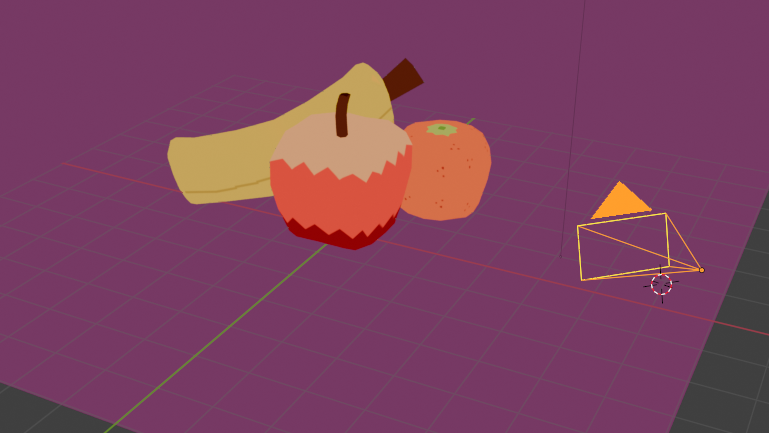
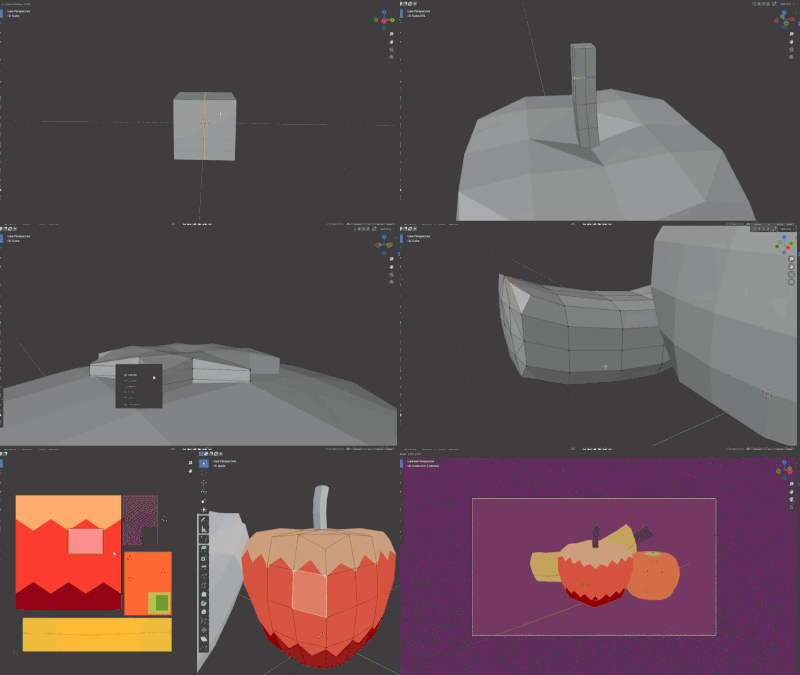
Short drill for quickly and efficiently making generic prop objects, in this case fruits. I find I still struggle with rounding corners nicely and I also have a difficult time understanding UV unwrapping but I was able to get most things to work reliably, mostly using mirror flips.

I don't really use Blender to make full scenes yet (rendered using the camera, as seen in image 4), but it is something I want to work towards; part of that, I feel, is knowing how to make clear compositions. I wanted my fruits to have a bit of overlap, but still centered. If I could change any one thing, though, I'd try to make my fruits a little less boxy-looking (they still look pretty square even with some of the rounding I did) - I feel most strongly about the banana, whereas this is my first time actually making something like a banana, and I think it came out slightly too square.

I want to be able to make props alongside my other character models, since some characters do innately have props linked to them (ie. weapons, fancy tassels, other such trimmings), but also for the purpose of being able to make map-type environments for 3D game spaces - Some of my friends have come up with ideation for games running in things like Unity Engine's 3D mode, per se, but we don't exactly have a modeller with us. I want to be able to fit that generalist niche anyhow. Another thing, I keep my models relatively low-poly to keep things like performance in mind (computers have a hard time processing many small models with triangle counts of 10,000+!), which is why I'm also always retroactively trying to keep my models both readable and optimized.

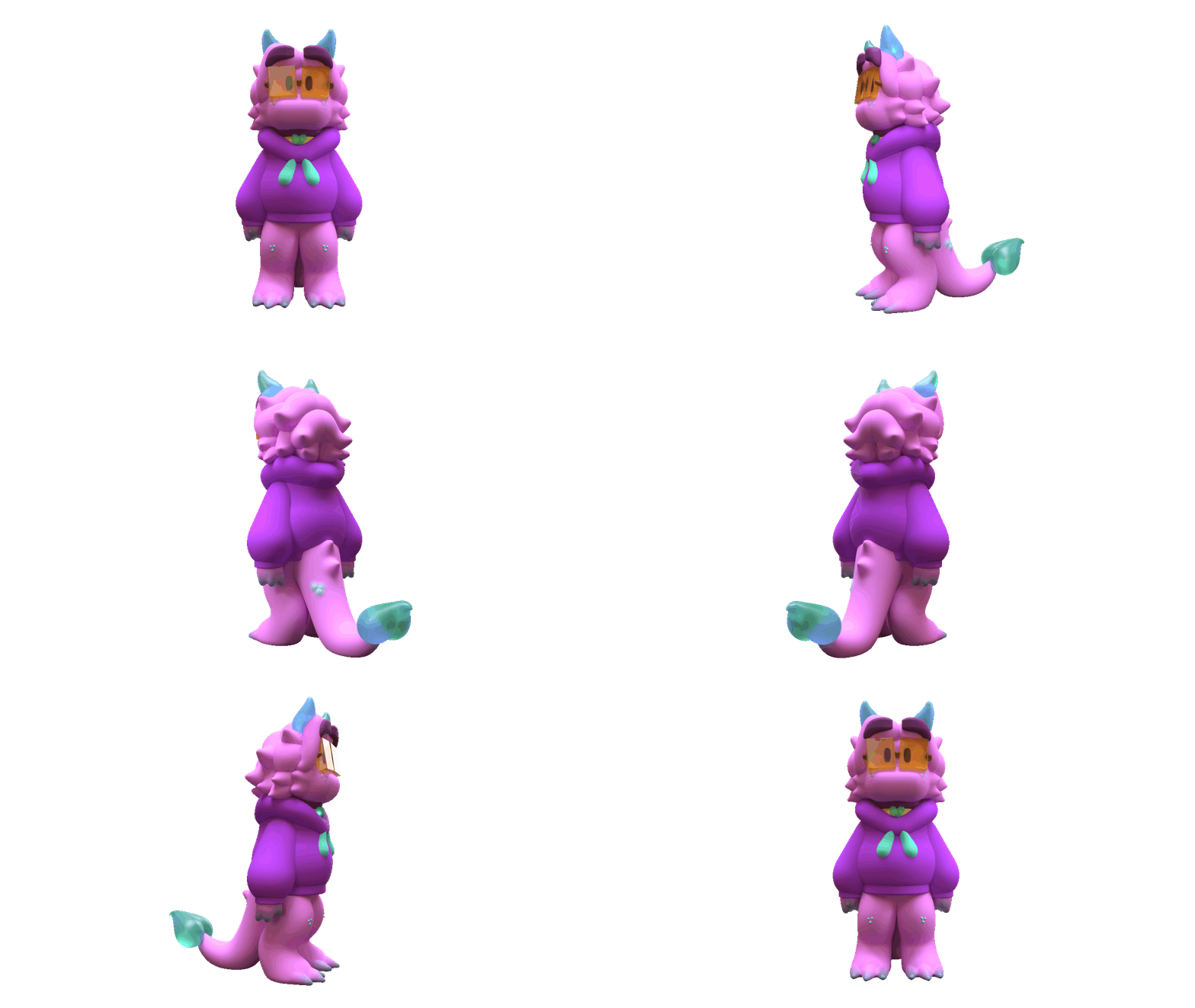
"Haven (Small)" - August 2025

Womp 3D sculptor

Original character. Not as technically impressive as some of my other 3D works, though I used to use the browser-based Womp 3D in my downtime to try to replicate some of my cartoony character sketches. More specifically, I liked the flexibility of its textures, so you can see above that I was obviously having a great time modifying Haven's frosted-glass-ish textures. The one thing I find myself missing in my jump from Womp to Blender is that Womp feels a lot softer, given its brand notoriety for its "goop" feature (seamless junctions between two objects that can appear as a soft "goopy" curve, hence the name), whereas I tend to model very low-poly in Blender. Womp has its usefulness in quicker sculpting, though it cannot be used to make more technical rigs or animations like Blender, which is the main reason why I switched. I'm still happy with the overall shape of the sculpt, though.

Another thing is that I actually struggled with making the legs look correct. Haven's legs are bent somewhat (a bit like the hind legs of a quadrupedal animal), but I had a hard time replicating this in Womp, even with the curve feature (similar to Blender's Bezier). I would love to try reproducing this model in Blender someday, and it would probably be quite a bit less resource-intensive too.